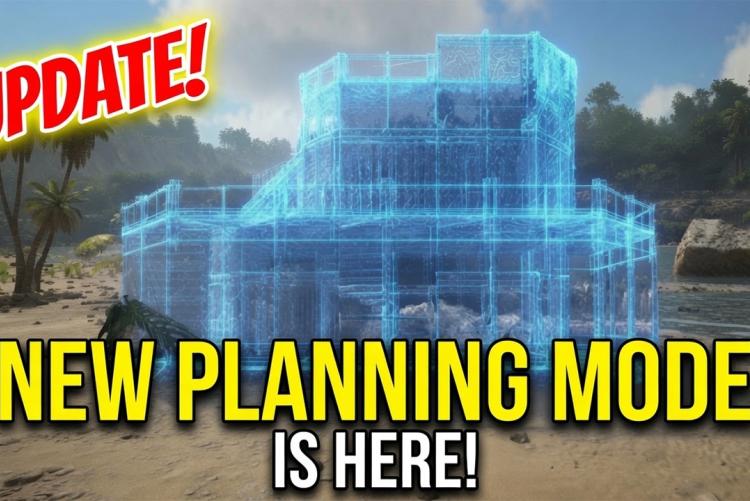
ARK Planungsmodus - KI generiertes Bild
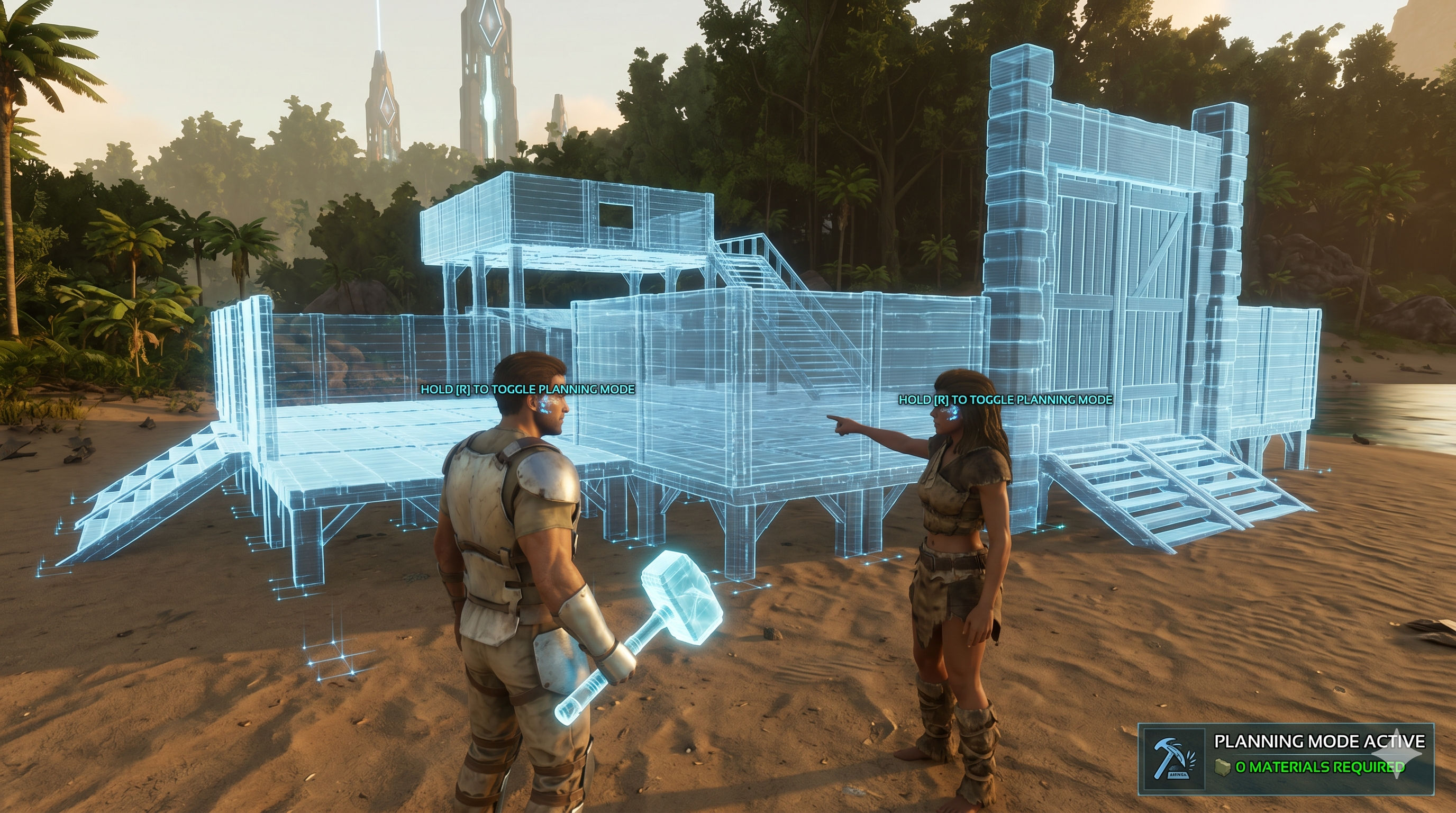
Studio Wildcard has introduced a completely unexpected tool for all builders with the latest update (v88.3): the planning mode. When you have a building piece equipped and hold down the corresponding key – R on PC, X on Xbox, or Square on PlayStation –, you switch directly into a placement preview. In this state, you place free hologram structures in the landscape that do not consume any resources. This allows you and your tribe to fully plan out gigantic bases or complex defensive structures in advance without having even a single piece of wood or metal in your inventory.
These "holograms" are exclusively visible to members of your own tribe, while other players see absolutely nothing. Once the required materials are finally farmed, you don't have to laboriously tear down the drafts. You can simply place the actual structures directly over the holograms, whereby they snap in automatically and replace the hologram directly upon placement. Anyone who also owns the Template Hammer from the "Lost Colony" DLC can convert the entire hologram layout, including all applied structure skins, directly into a permanent template to automatically build up the base later using the auto-build function.
For large-scale construction, the update also offers the so-called "Extended Range Mode", which you activate by holding down the cancel button for structure placement. Although this mode temporarily disables normal interactions, it massively extends your building radius upwards and into the distance, so you don't even need a flying creature as a platform for high walls.